GitHub
TeXlyre can back up your projects to GitHub repositories using a personal access token. Tokens are stored encrypted in your browser's local storage and are never transmitted to external servers.
Generating a Token
Navigate to GitHubSettingsDeveloper settingsPersonal access tokensTokens (classic).
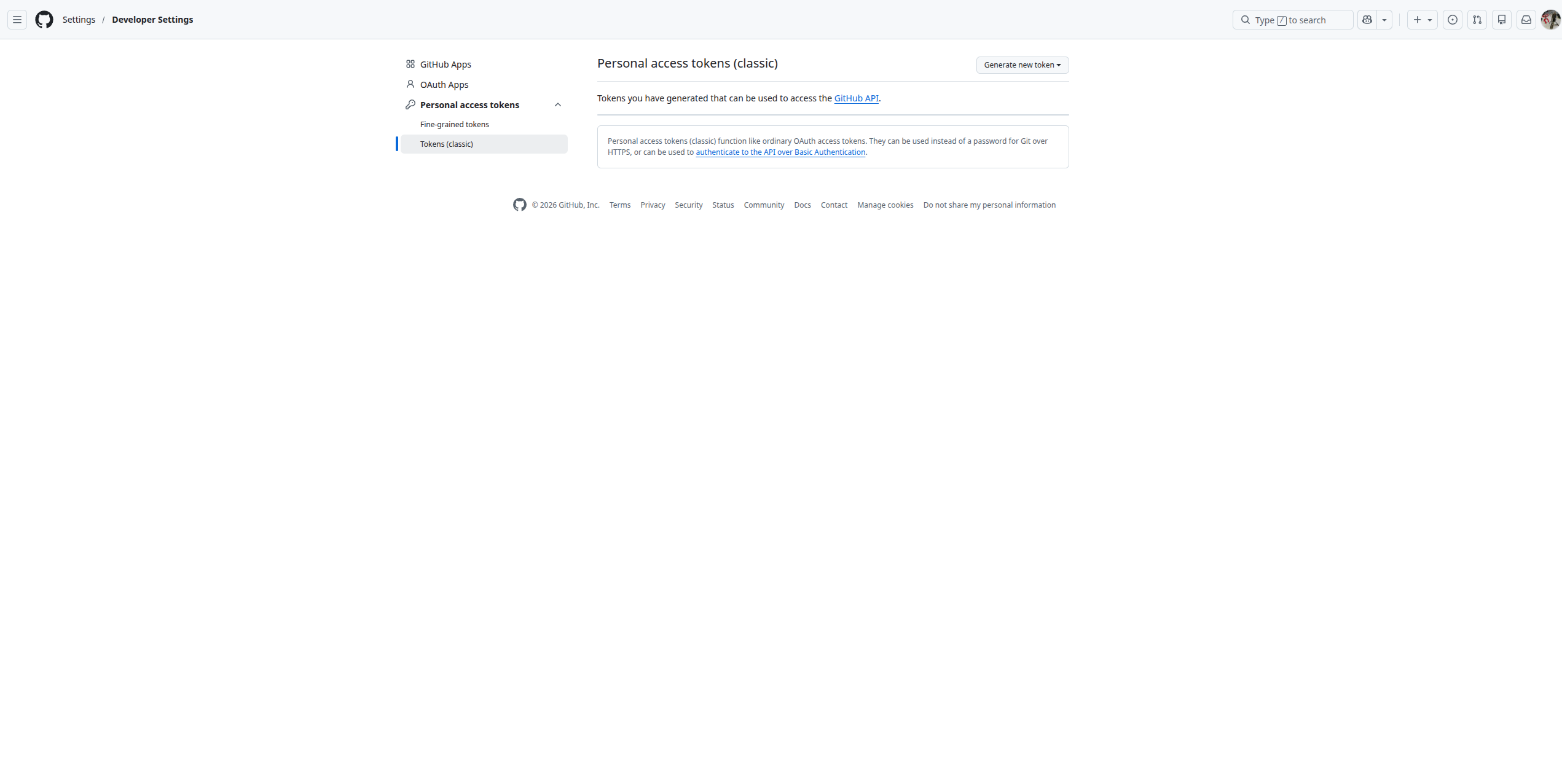
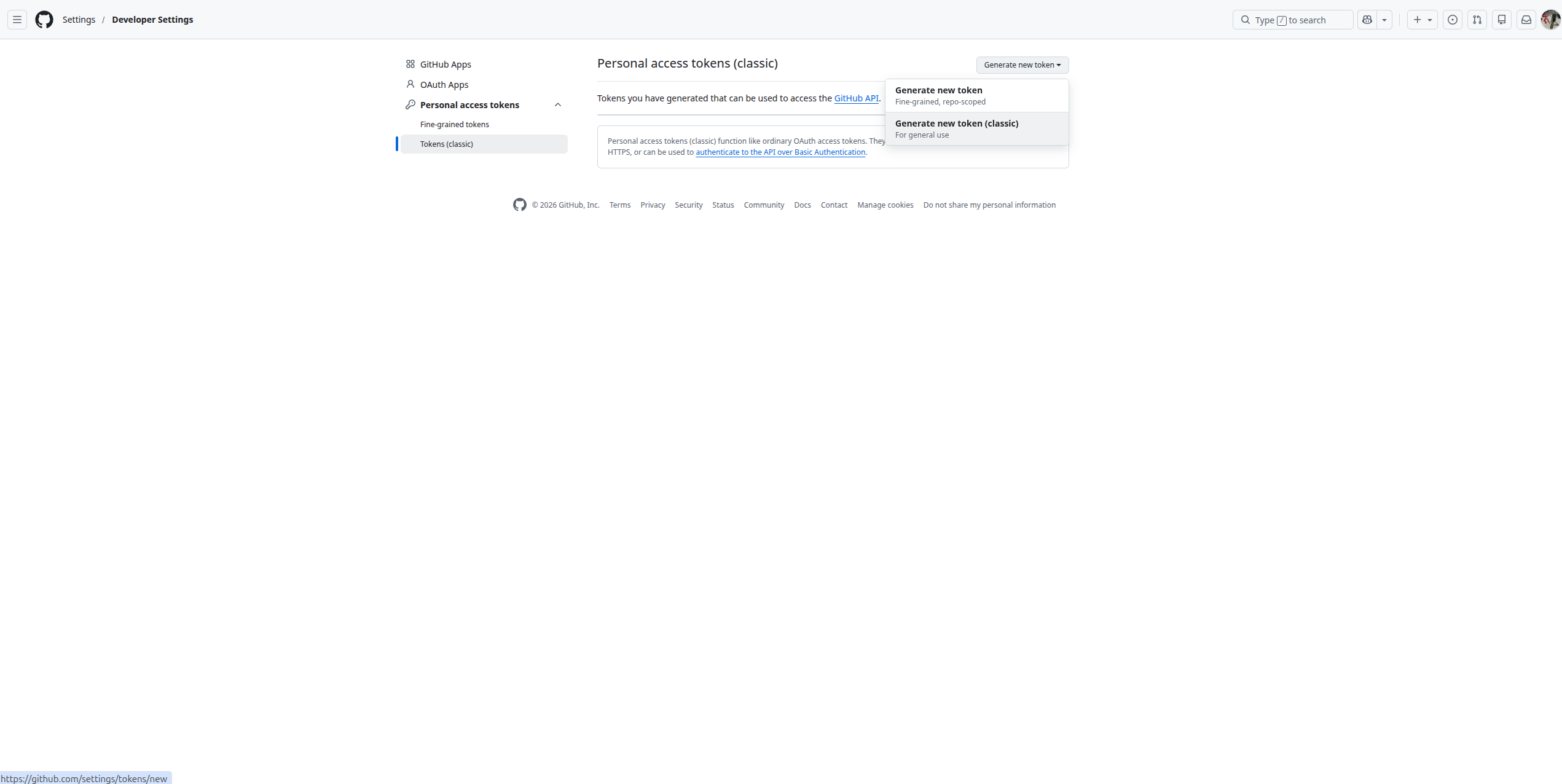
Click Generate new token, then select Generate new token (classic).
Enter a descriptive note such as TeXlyre and set an expiration that matches your usage needs.
Required Scopes
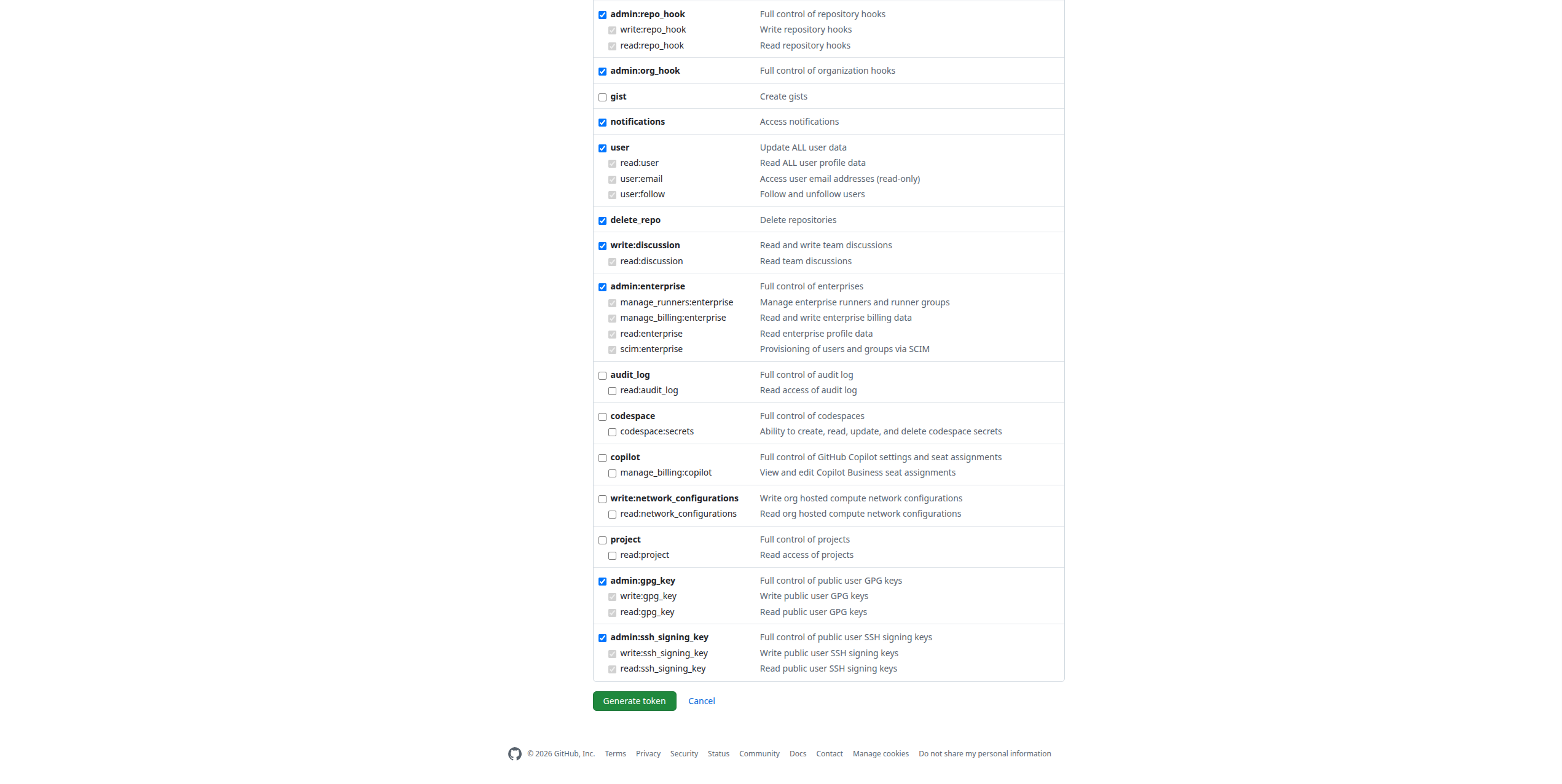
Under Select scopes, enable the following:
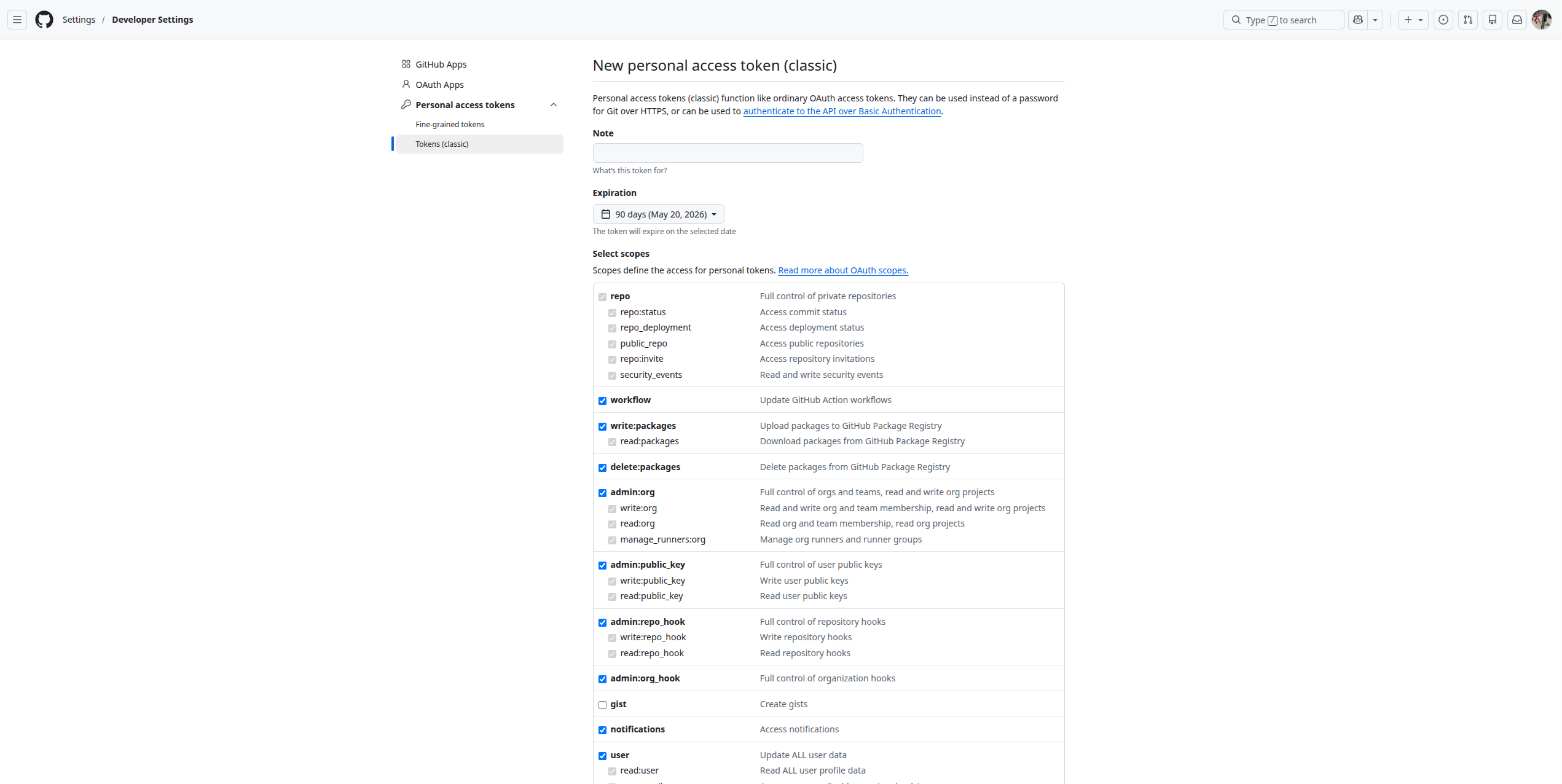
| Scope | Purpose |
|---|---|
repo | Full control of private repositories |
workflow | Update GitHub Actions workflow files |
write:packages | Upload packages to GitHub Package Registry |
delete:packages | Delete packages from GitHub Package Registry |
Click Generate token and copy the token immediately as GitHub will not display it again.
Adding the Token to TeXlyre
- Open TeXlyre and navigate to Backup → GitHub.
- Paste your token into the GitHub Personal Access Token field.
- Click Connect.
- Select a repository (preferably private; must already contain at least one file, e.g.
README.md, as TeXlyre does not create repositories). - Click Next.
- Select a branch and click Connect.
- Enter your TeXlyre account password to securely store your token.
- Click Unlock.
To change the connected repository endpoint, open SettingsBackupGitHubAPI endpoint.
When your token expires, backups will stop silently. Regenerate your token on GitHub and update it in TeXlyre settings before the expiry date.